Home
Features
All features
Solutions
People & Property
Resident DirectoryBlocks & FlatsTeam & RolesFamily MembersVehicles & ParkingDomestic HelpCommittee DirectoryMove In / Move Out Community
Notice BoardEventsPolls & VotingMeetings & MinutesDocument VaultPhoto GallerySociety RulesMarketplaceLost & Found Gate & Safety
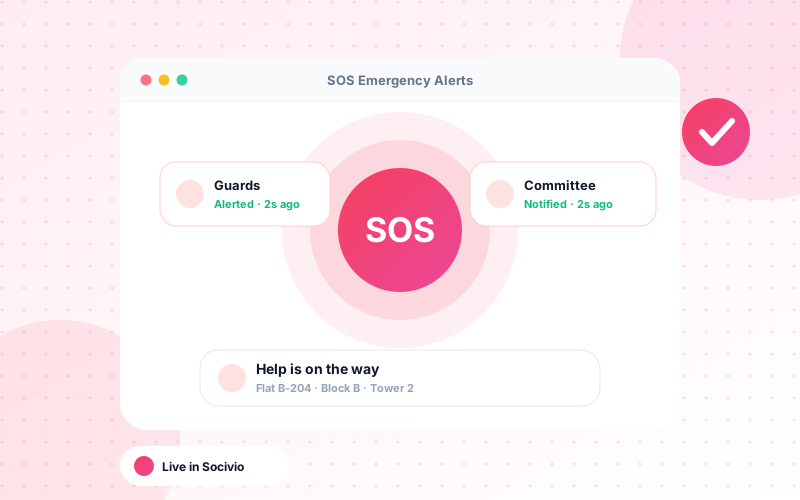
Visitor ManagementParcels & DeliveriesSOS Emergency AlertsEmergency Contacts Services
Helpdesk & ComplaintsAmenities & Booking Finance
Maintenance BillingPayments & ReceiptsExpense TrackingVendors & ServicesAMC & ContractsReports & Analytics Operations
Society StaffStaff AttendanceAssets & InventoryActivity Audit Log Experience
Smart NotificationsRole Dashboards
All solutions
Pricing
About
User Guide
Talk to us
Sign in / Demo
By role
Society AdminsAccountantsSecurity GuardsResidents By goal
Collect dues fasterSecure the gateResolve complaintsEngage the communityHandle emergenciesMake smarter decisions